
FreightForward is Allied Global Exports’ app for clearing customs. Agents gather documents, calculate duties, and print declarations before they reach port. I led the research, UX, and visual design.
01 / big idea
Put customs in an app, with the rules built in.
Mistakes in customs paperwork surface at the port as delays and fines, when it’s too late to fix them. An app that knows the rules and the fees moves every one of those mistakes to before the agent arrives.
02 / my role
- Interviewed eight freight agents across shipping regions
- Ran a competitive audit and mapped the agent journey
- Ran two rounds of usability testing
- Designed the flows, UI, and icon system
- Applied Allied’s brand to the app
- 42%Fewer errors in customs documentation
- 27%Faster clearance at the port
- $550KSaved each year through document digitization
03 / Problem
Arriving at port unprepared
Customs paperwork is repetitive and complex, and one wrong form means delays and fines.
Shipping into emerging African and Asian markets demands exact customs paperwork. Apps existed for shipping documents, but few were built for freight agents, and none for the regions Allied served.
- Speed
Too much time gathering
Agents spent hours collecting and checking documents, which delayed clearance.
- Accuracy
Costly mistakes
Missing or incorrect forms meant delays and fines at the port.
- Fees
Surprises at customs
Agents needed total duties and taxes before arriving, to plan and to quote.
04 / Research
How agents actually worked
I interviewed eight independent freight agents from different shipping regions, plus internal stakeholders, and mapped the journey they all shared.
- Step 1
Enter shipping details
Route, vessel, shipment type, and freight.
- Step 2
Upload documents
The app lists what’s required and agents photograph each one.
- Step 3
Submit and ship
Review the declaration, see the fees, print, and go.
Competitive audit
| Feature | Maersk | Shipa Freight | FreightForward |
|---|---|---|---|
| Scan or upload documents | |||
| Calculate duties and taxes | |||
| Print in the app | |||
| Shipping history | |||
| Designed for agents | |||
| Multiple languages |
Maersk and Shipa Freight both calculated duties and kept a history, but neither printed a declaration in the app, and neither was built for agents in the regions Allied served. That gap set the target.
05 / First version
Wireframes, then two rounds of testing
The first version put every step in front of agents as simple wireframes, then testing reshaped it.
The right flow, on a long form
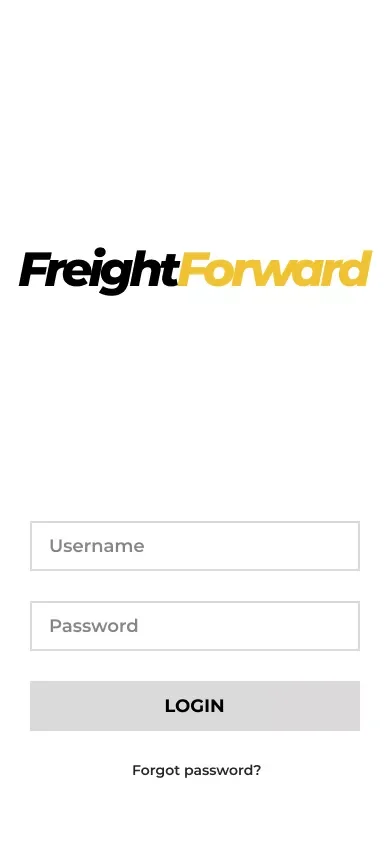
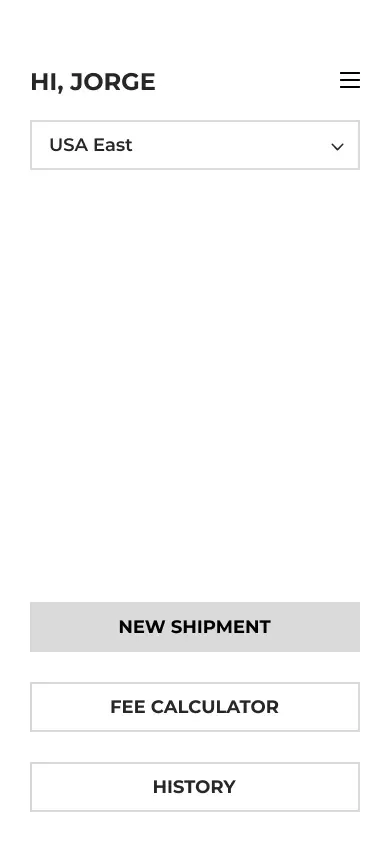
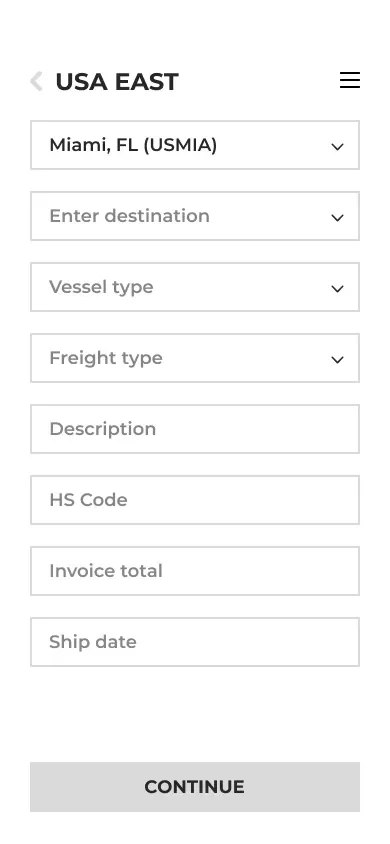
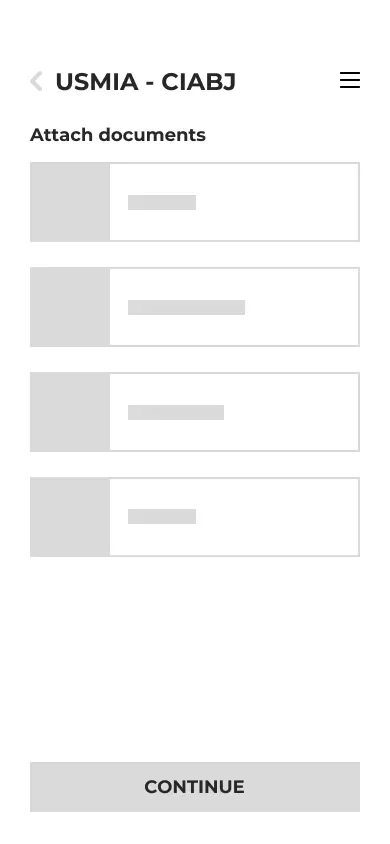
The first version got the journey right. Agents logged in, started a shipment from home, entered the route and freight, and attached each required document in order. It followed exactly how agents described their work. But every detail was a dropdown or a text field, and in the first round of testing agents asked for large buttons and icons instead.
A declaration agents could trust
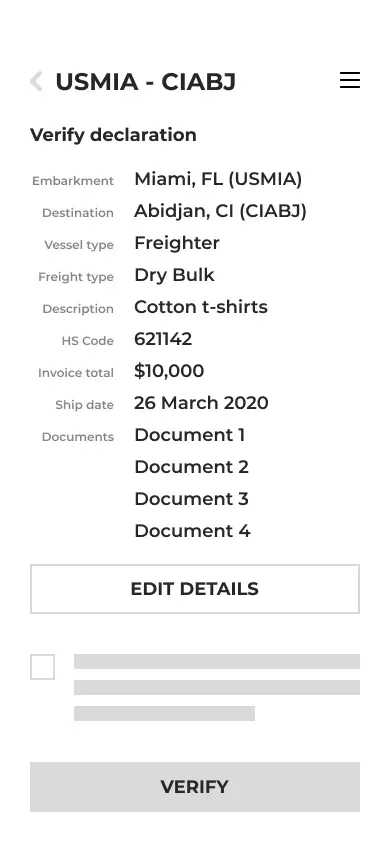
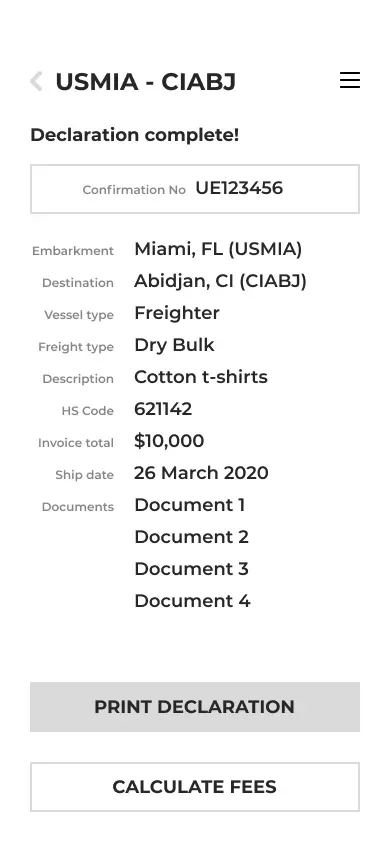
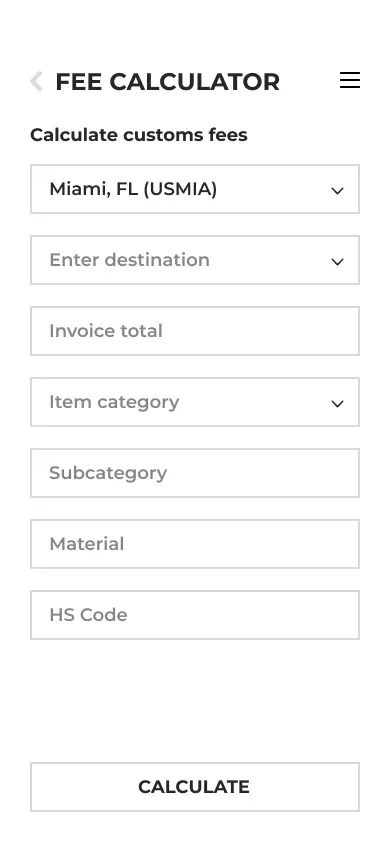
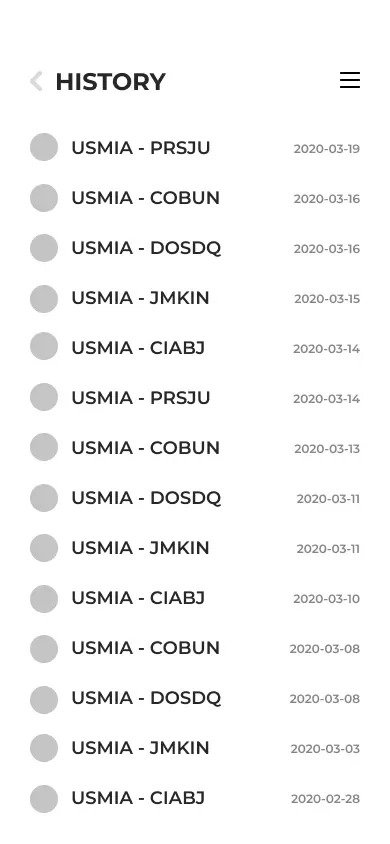
The second half checked the shipment before submitting, produced a declaration with a confirmation number, and added a stand-alone fee calculator and a history of past shipments. The pieces were all there. Testing showed agents wanted the customs fees and a receipt on the confirmation itself.
- Round 1, mockups
Big buttons, fewer fields
Agents asked for large buttons and icons, and for their last port to be filled in automatically.
- Round 2, prototype
Two steps beat dropdowns
A two-step flow with clear icons was faster than menus, and the confirmation page gained the fees and receipt.
06 / Key insight
Fees first, forms second
What agents wanted most wasn’t a faster form.
Agents’ top priority was knowing the duties and taxes before they reached the port, and their second was never being turned away for the wrong paperwork. That changed the shape of the product. Instead of a document scanner with a calculator attached, FreightForward became a way to finish the whole declaration, fees included, before leaving for port.
Every mistake the app catches is one the agent doesn’t find at customs.
07 / Decisions
What testing changed
Large icons agents remember
- Noticed
- In testing, agents recalled big, recognizable icons faster than options in dropdown menus.
- Decided
- Choose the vessel and shipment type from large icon buttons, and keep the whole flow to two steps.
- Result
- Agents remembered where things were and entered shipments faster.
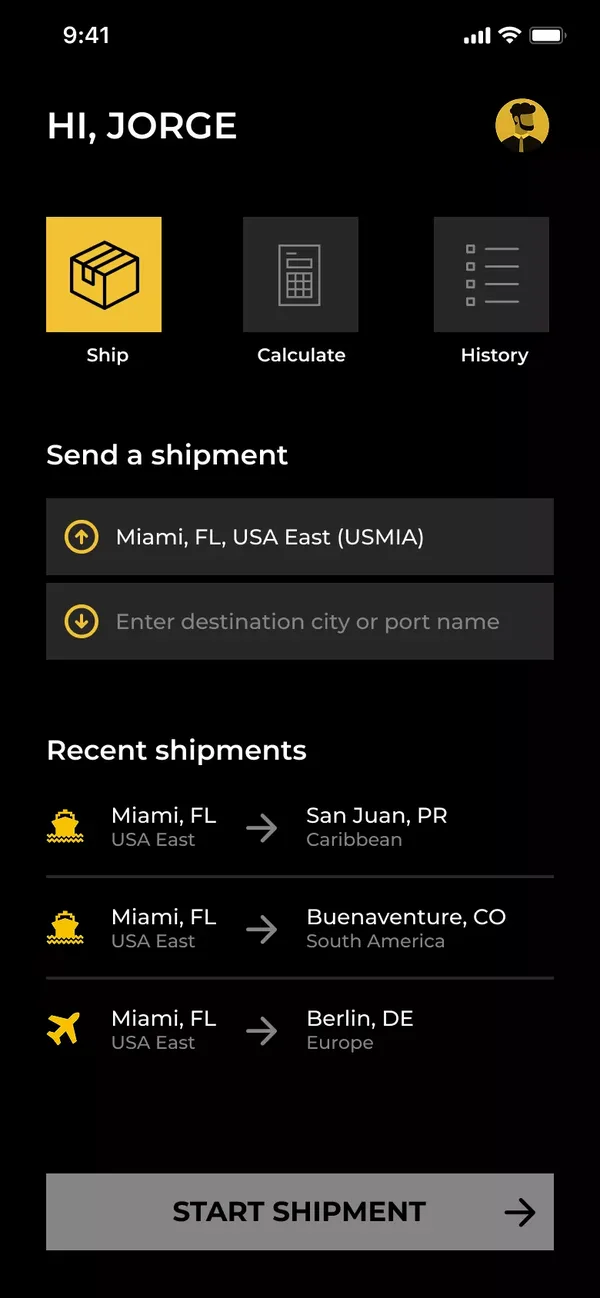
Ship, calculate, or check history 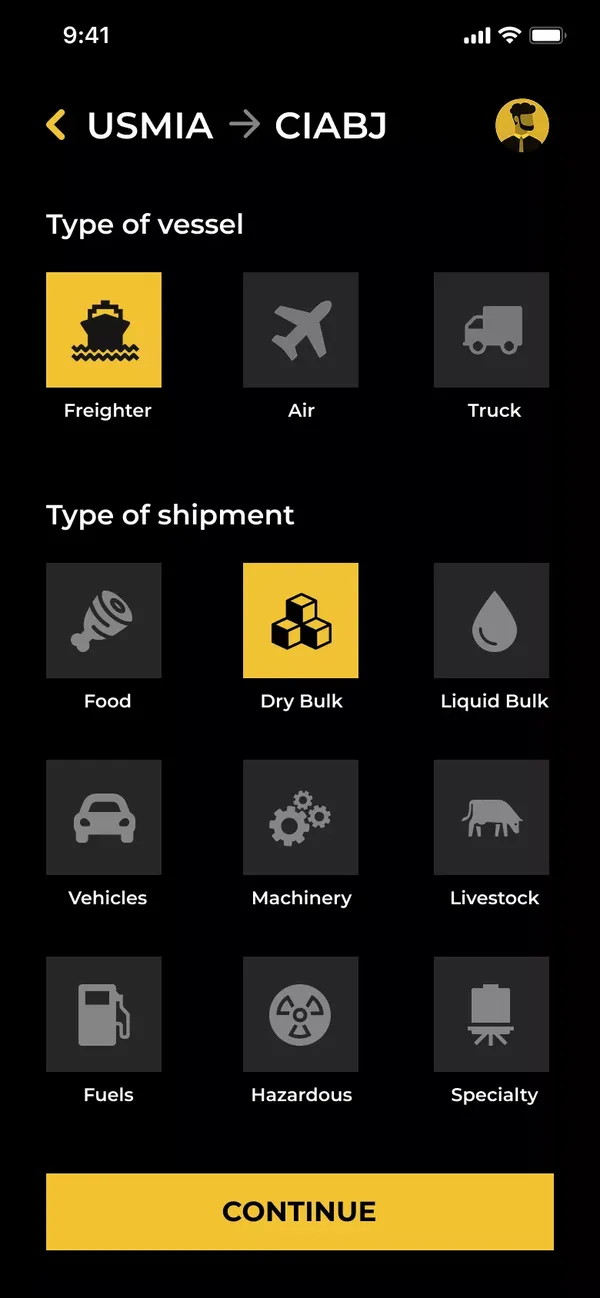
Vessel and shipment type as icons
The rules for every route
- Noticed
- Agents had to look up which customs codes and documents each route required.
- Decided
- Ask for freight details and customs codes for the regions on the route, then list exactly which documents it needs.
- Result
- Region-specific requirements are met without the agent researching them.
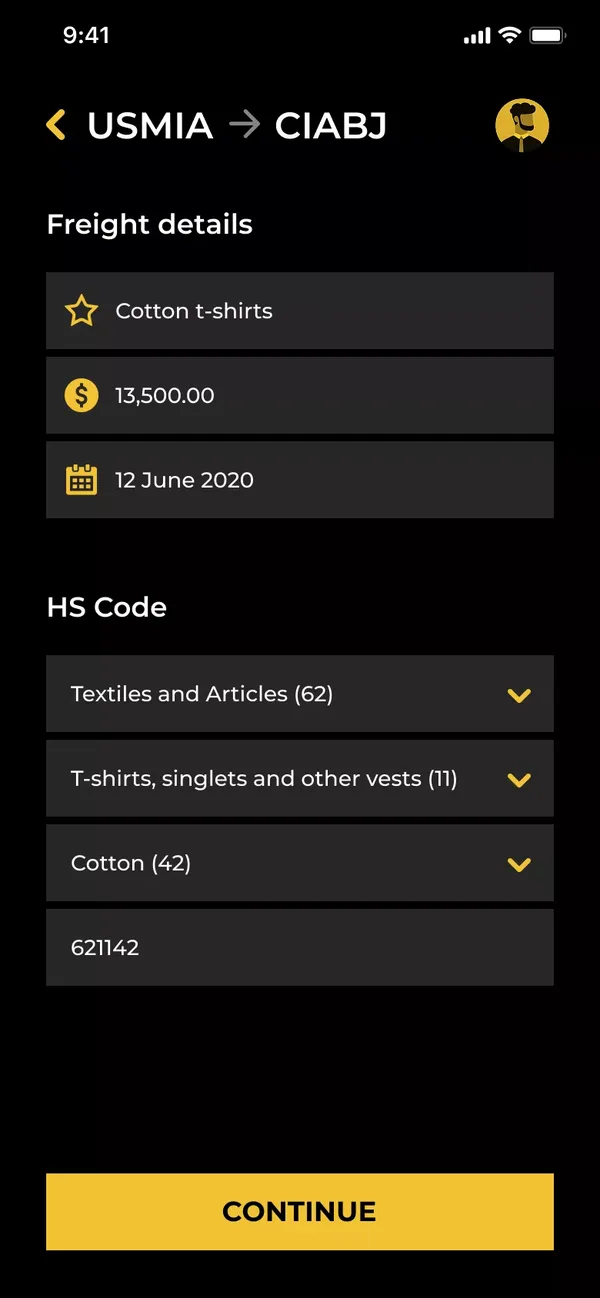
Freight details and customs codes 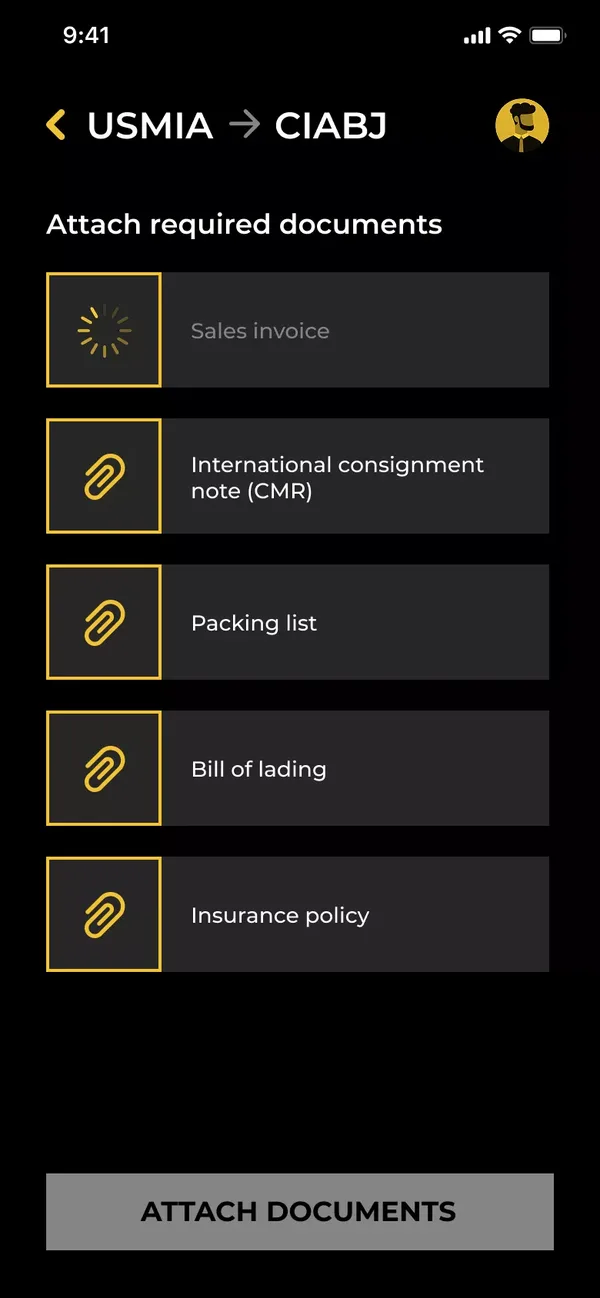
The documents this route requires
Paperwork ready before the port
- Noticed
- Missing or incorrect forms caused costly delays, and agents wanted to know the fees before arriving.
- Decided
- Let agents photograph each document in the app, then review the whole declaration with duties and taxes before printing.
- Result
- Every document is collected and the fees are known before the agent reaches customs.
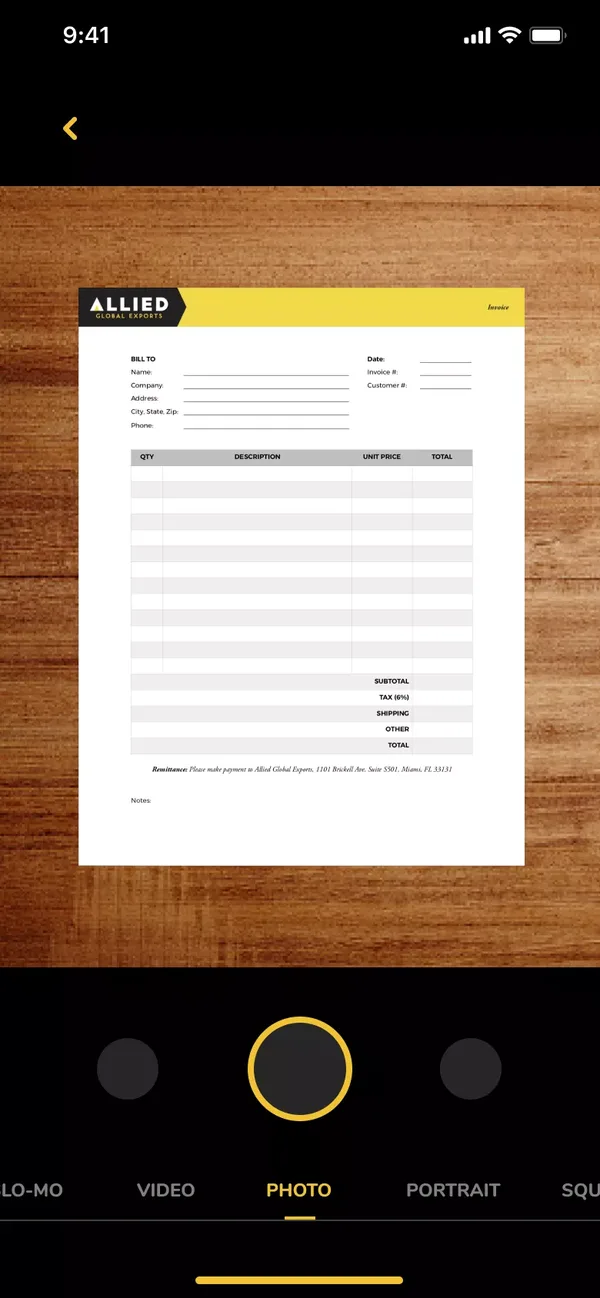
Photograph the paperwork 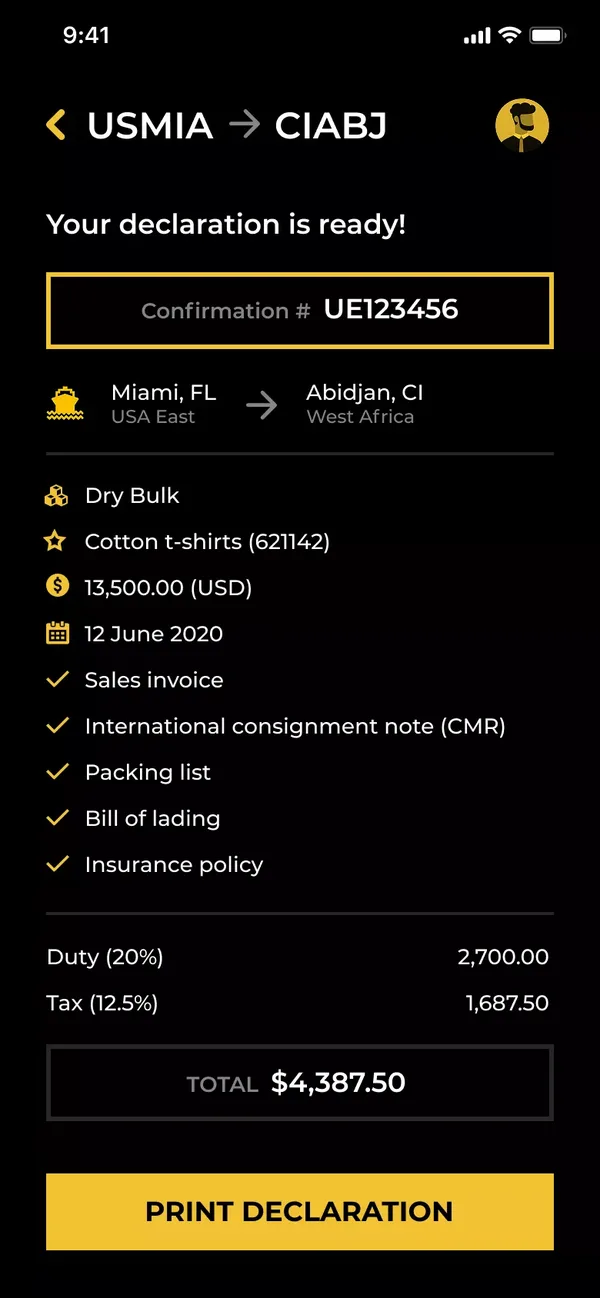
Declaration with fees, ready to print
Quotes without a shipment
- Noticed
- Agents also needed to give customers prices before anything shipped.
- Decided
- Add a fee calculator that works on its own, and keep every past shipment in a history.
- Result
- Agents can give their clients fast, accurate quotes.
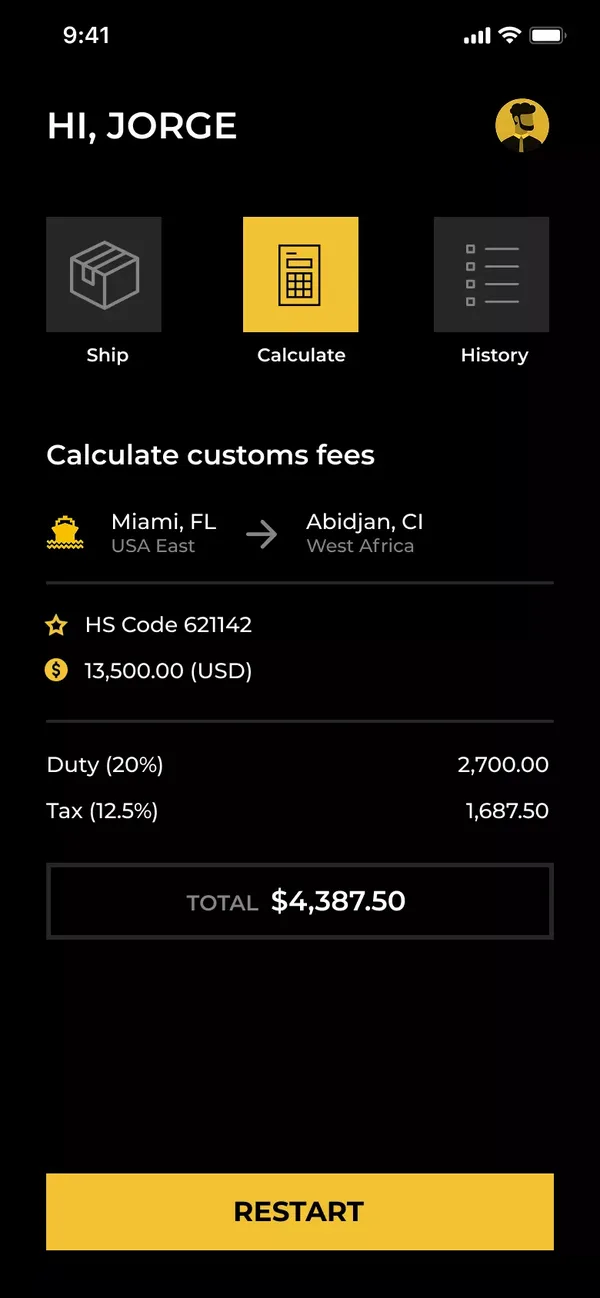
Duties and taxes for a quote 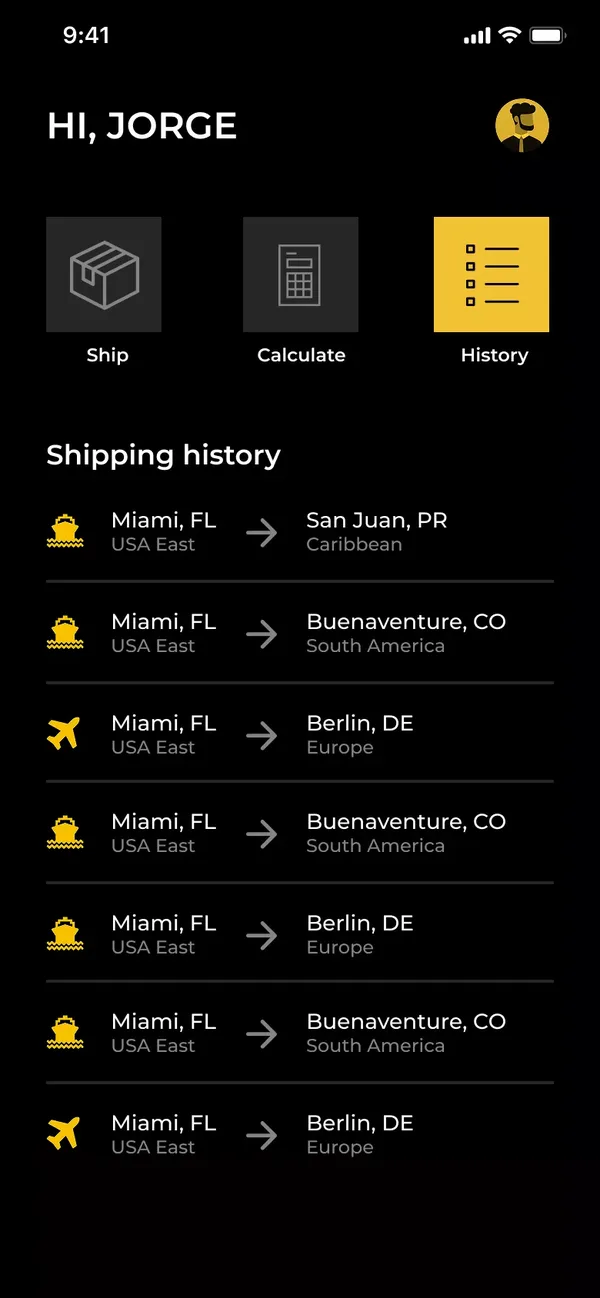
Shipping history
08 / How it works
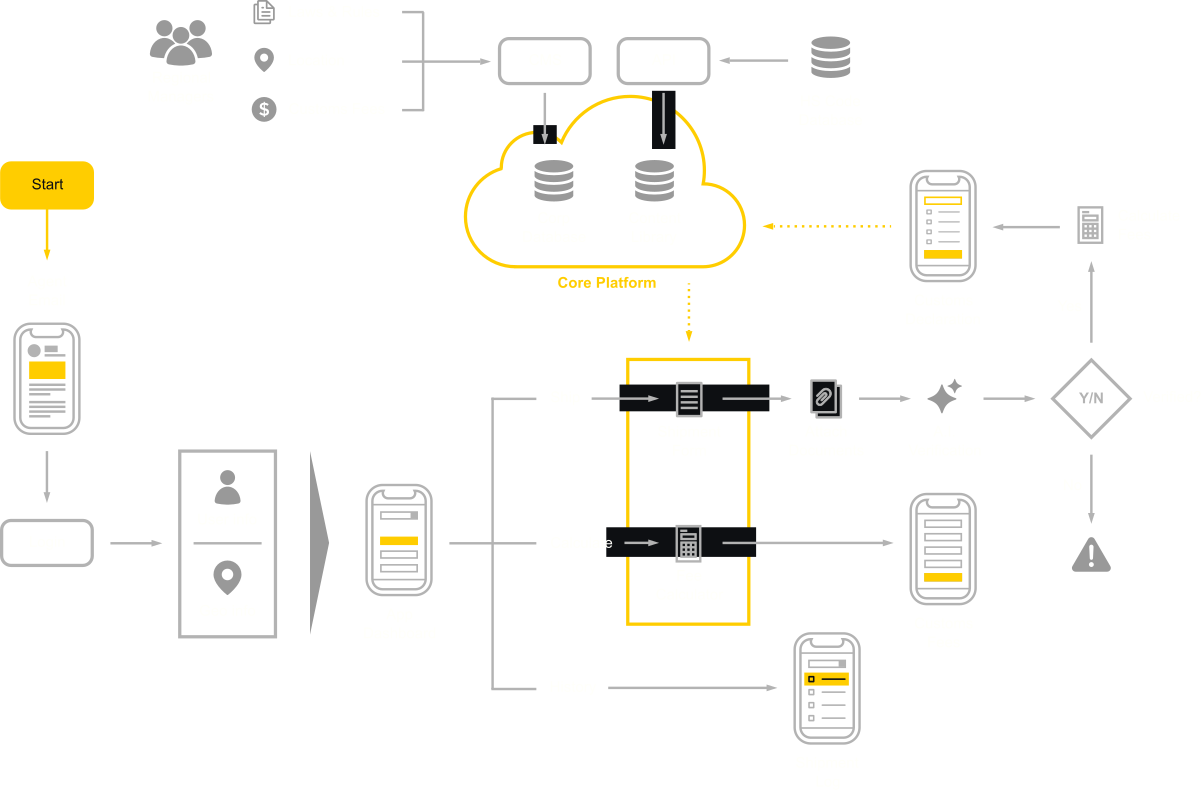
The system behind the app
Regional managers keep the rules current, and every agent works from the same platform.
Regional managers publish the laws, rules, and customs fees for their locations, and an HS code database supplies the product codes. Both feed one core platform. From the dashboard, agents ship, calculate fees, or check their history, and every declaration is checked before it’s ready to print.
The app follows Allied Global Exports’ brand guidelines and corporate colors. Bold, recognizable icons and large buttons carry its main goal, getting agents through customs paperwork fast.
09 / takeaway
What I carry forward
FreightForward showed me how much of design is listening to the people doing the job. The biggest gains didn’t come from new features. They came from bigger buttons, fewer steps, and knowing the fees before the port.